Follow these steps to pair the StatLink Wireless Module with your new Smart System
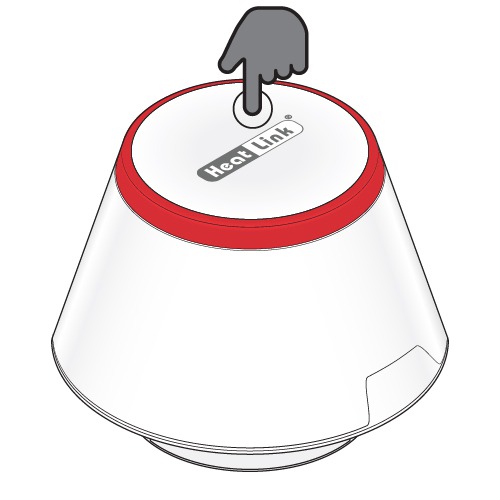
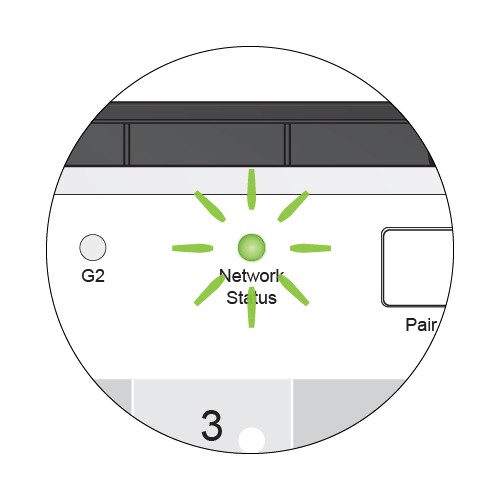
- Press the multi button on top of the gateway for ~5 seconds, or until the LED flashes red.
- Release the multi button.
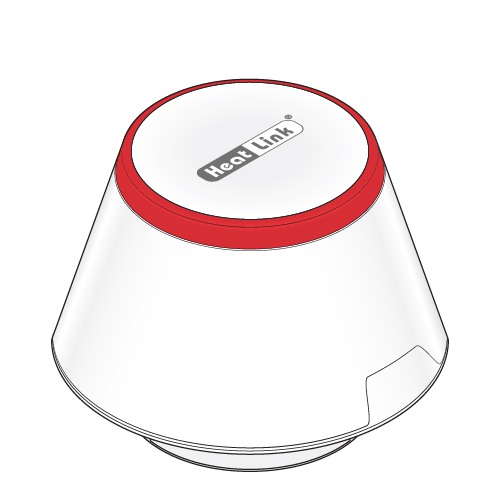
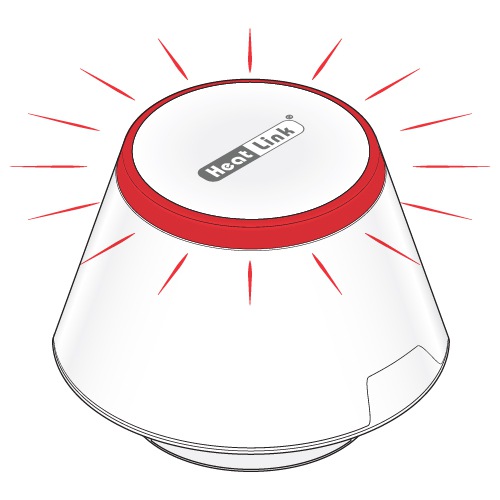
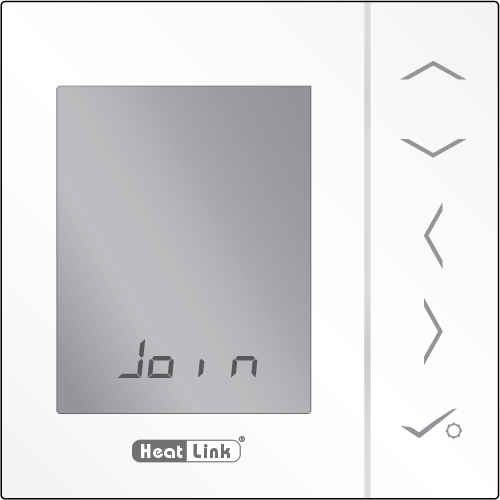
- The Statlink module is ready to pair as soon as power is applied to the module. It will pair automatically once the Gateway has been put into pair mode.
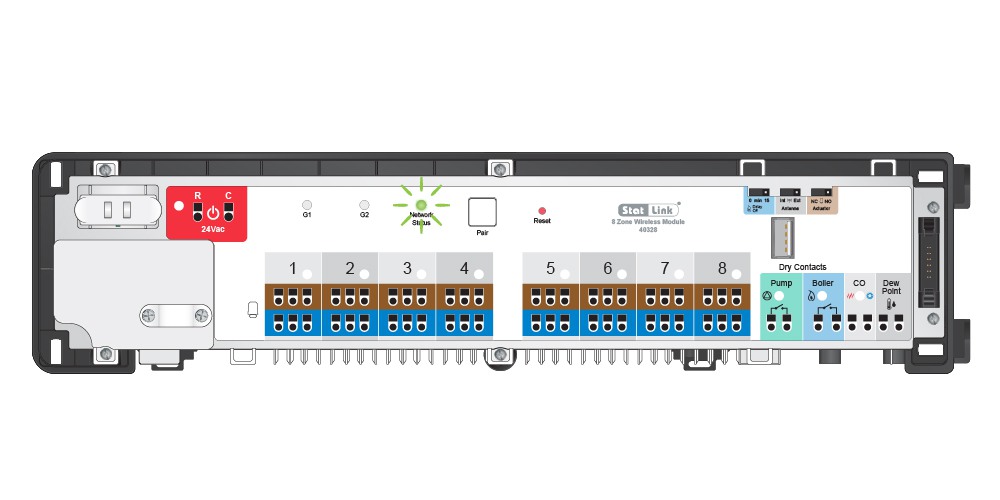
To configure for Underfloor heating:
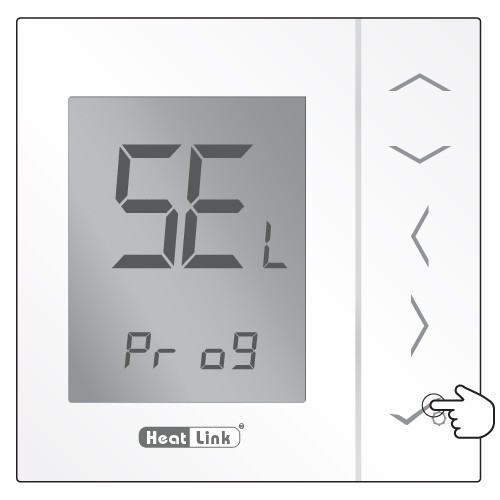
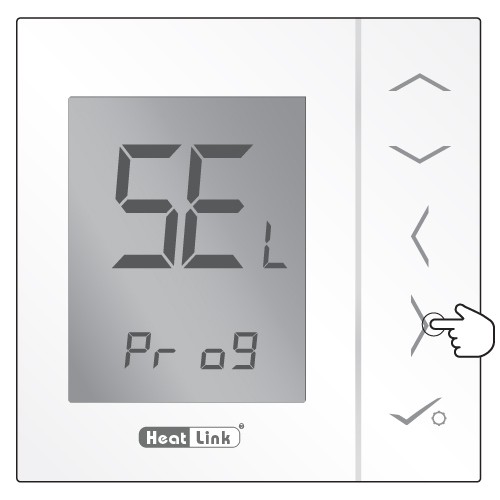
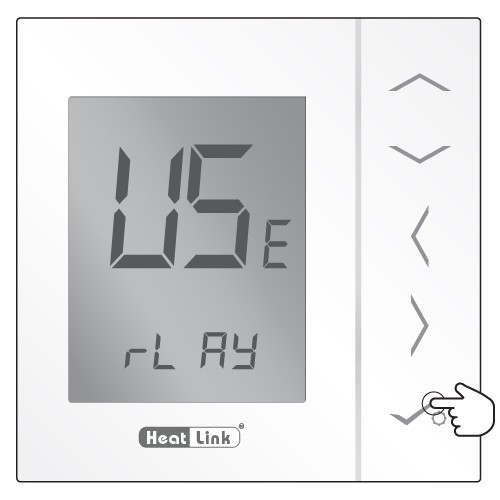
- Use the Left/Right arrow keys to navigate to the USE menu.
- Press [check] to accept.
- The thermostat is recognized by the Zigbee network.
- Press to accept.
- Use the Up/Down arrows to select the Wiring Center
- Press to accept.