

Use the following guide to set up a Smart System that consists of a Gateway, at least one thermostat, and at least one wireless StatLink module.
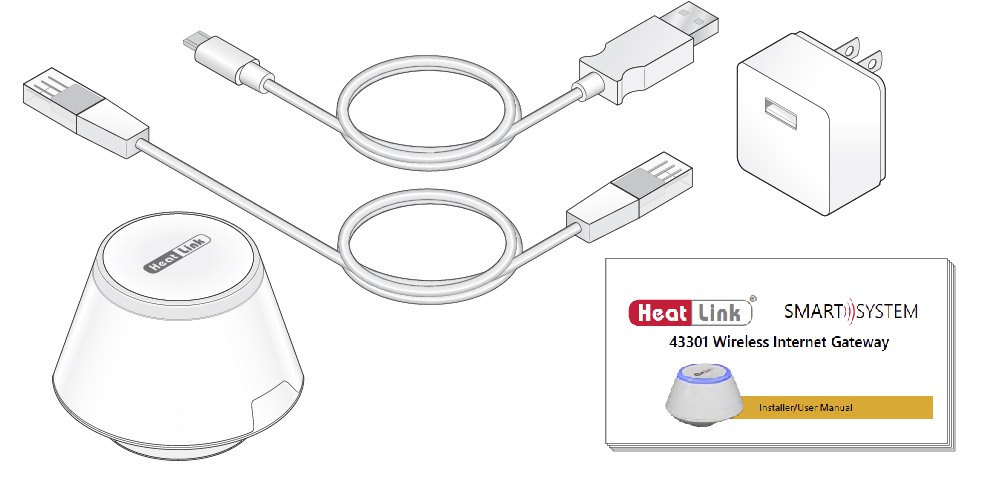
43301 Wireless Gateway included parts:
- Wireless Gateway.
- Mini USB to Micro USB cable.
- USB power adapter.
- Ethernet cable.
- Printed instructions.
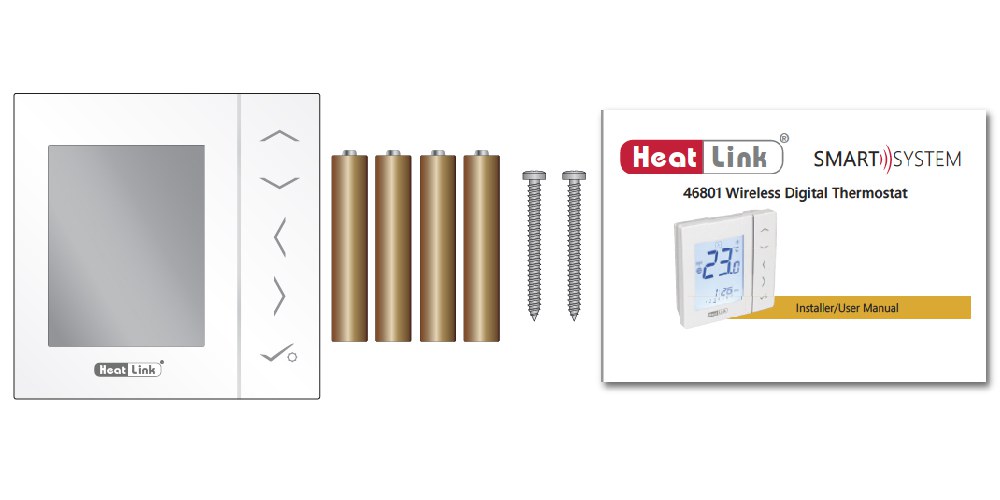
46801 Wireless Thermostat included parts:
- Wireless Thermostat
- 4 x AAA batteries
- Mounting screws
- Printed instructions
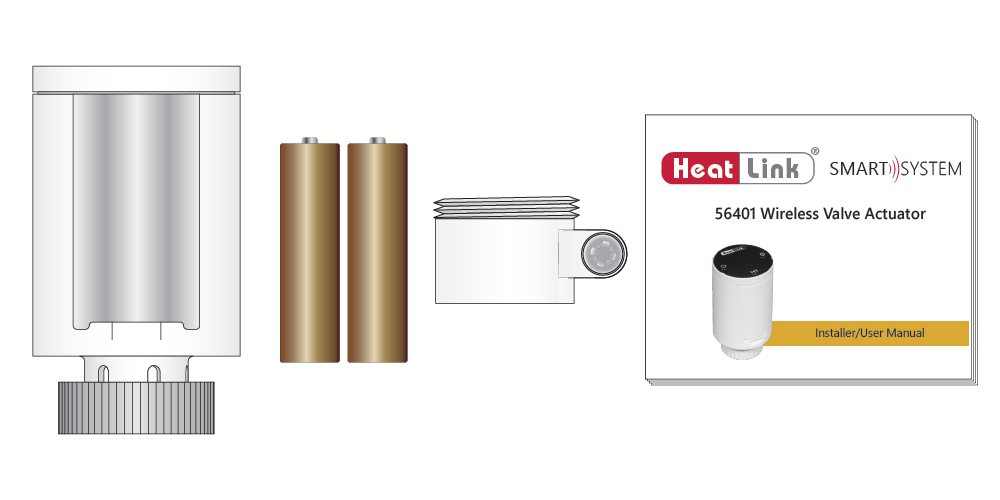
56401 Wireless Valve Actuator included parts:
- Wireless Valve Actuator
- 2x AA batteries
- Adapter
- Installation manual
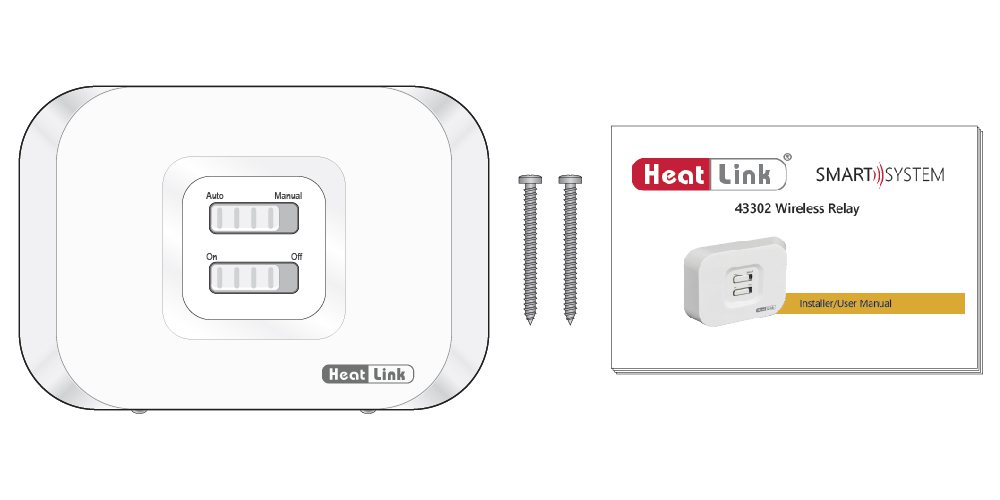
43302 Wireless Relay included parts:
- Wireless relay
- Printed instructions
- Mounting screws
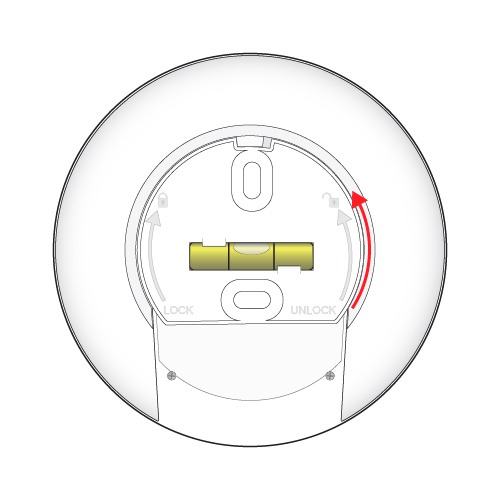
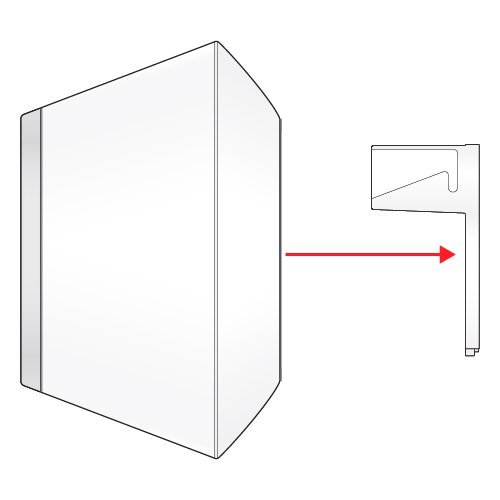
- Remove the port cover from the bottom of the Gateway by twisting 1/8 of a turn counter-clockwise and pulling out.
Install Power – Offline Use
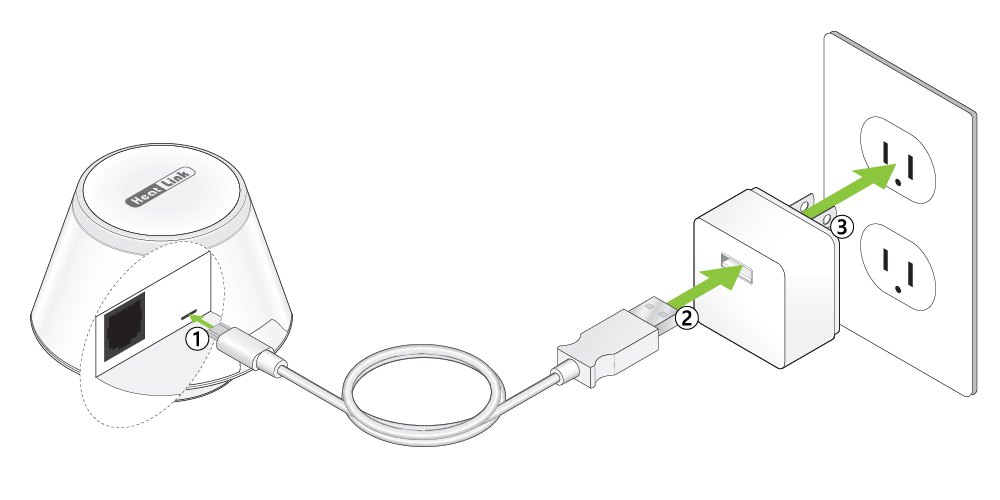
- Plug the micro USB end of the power cable into the gateway.
- Plug the USB end of the power cable into the plug adapter.
- Plug the adapter into the wall outlet.
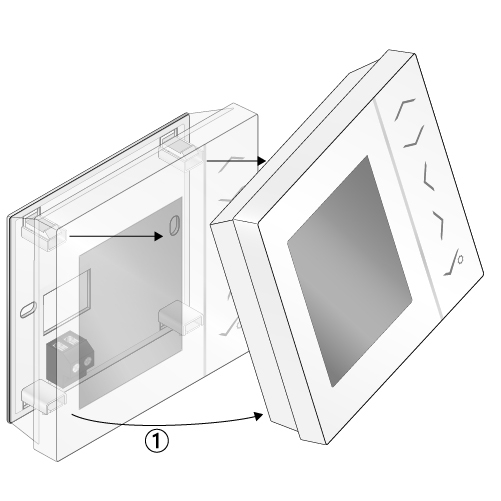
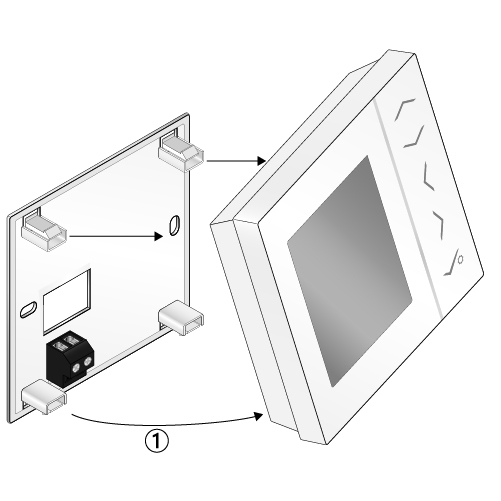
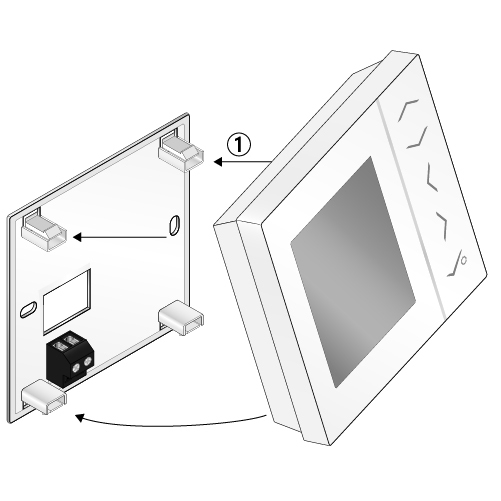
- Remove thermostat from mounting plate – pull out from bottom.
- Use the included screws to mount the backplate to the wall in the desired location.
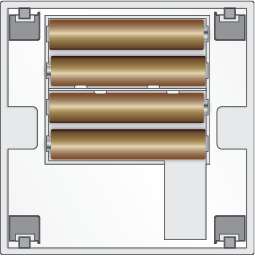
- Install the included 4 AAA batteries into the thermostat.
- The thermostat will run through the start up sequence.
- The thermostat is now ready for pairing.
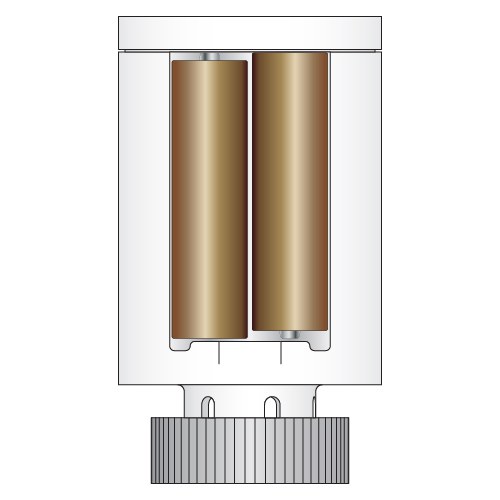
- Install the included AA batteries, ensuring they are inserted correctly.
- The valve will take approximately 2 minutes to complete the start up process.
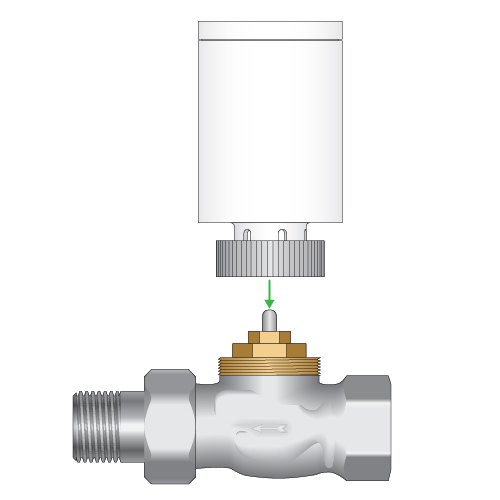
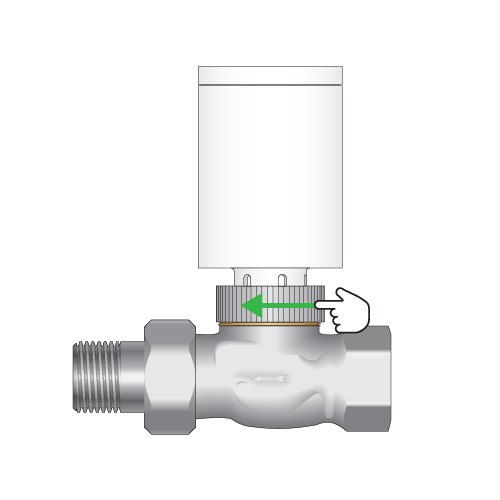
- Once the start up sequence is complete, install the valve onto the actuator – finger tighten the collar only. Using a wrench or other may damage the collar, WVA, or actuator valve.
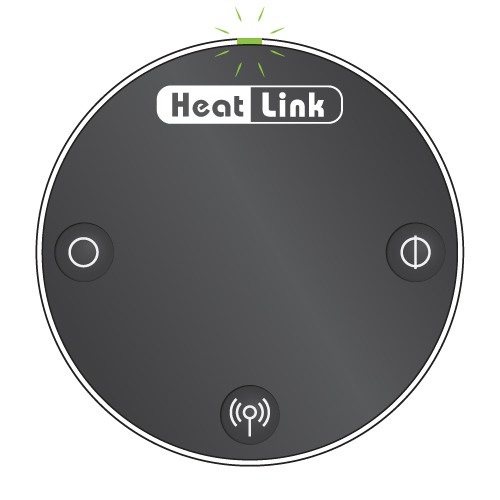
- Calibrate the WVA to the actuator:
- Press the Open or Close button once.
- The motor will take 1-2 minutes to calibrate to the valve.
- The LED turns off when the valve is calibrated and ready for pairing.
Installation – Wireless relay
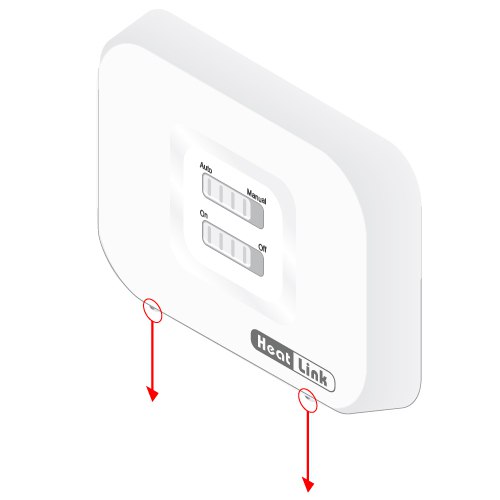
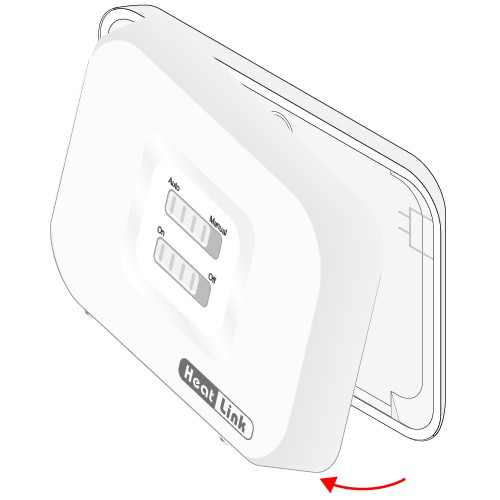
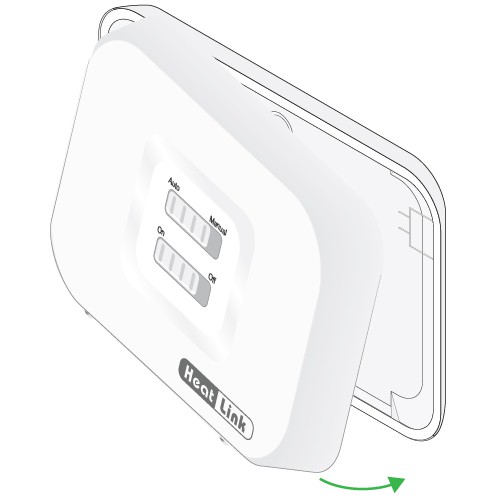
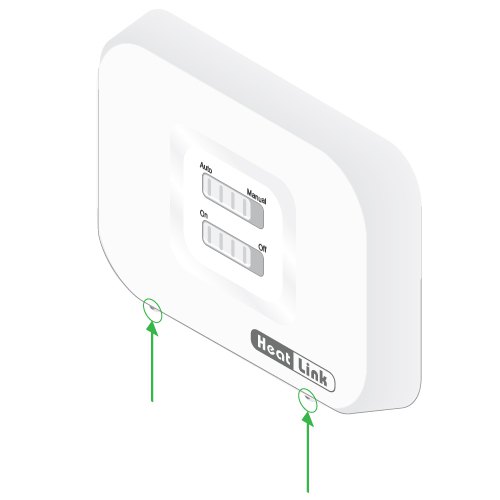
- Remove the screws at the bottom.
- Lift off the top half of the relay.
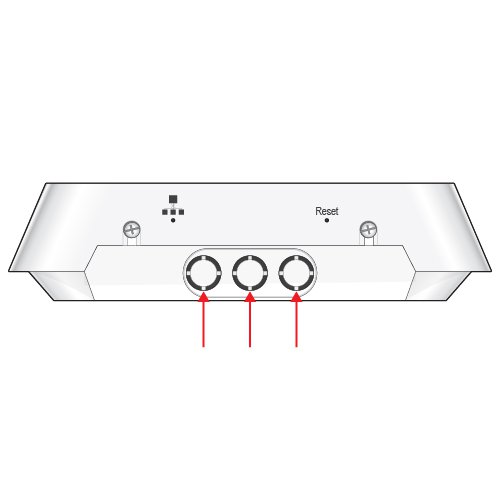
- Remove the plastic knockouts on the bottom of the unit as necessary using wire snips.
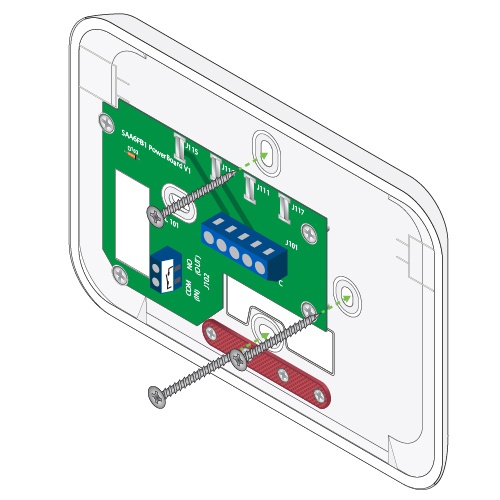
- Mount to the wall or backing board in the desired location.
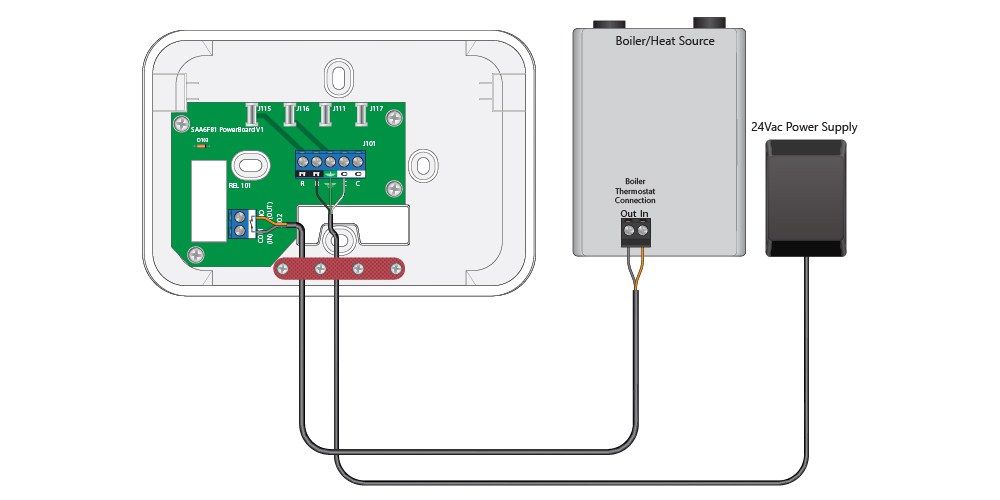
Relay Wiring – Boiler Switching (RX1)
- Wire the relay for heat demand as per wiring diagram. Refer to boiler wiring diagram for details.
- Secure the wiring with the strain relief.
- Replace the cover
- Tighten the screws
Follow these procedures for pairing the devices in your Smart System. Depending on the complexity of your heating system, it is recommended that you pair each device at the same time in a single room, labeling each thermostat, WVA, and StatLink to ensure that when they are installed they are installed in the correct location.
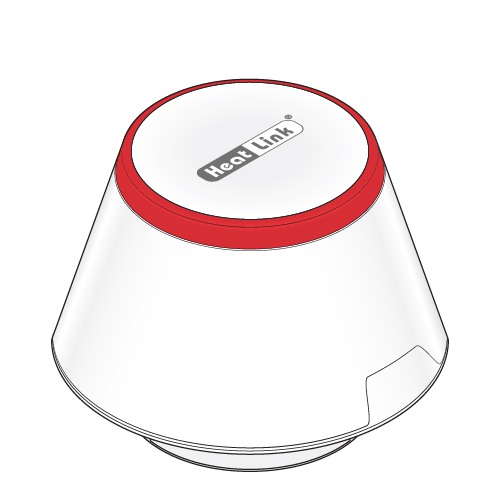
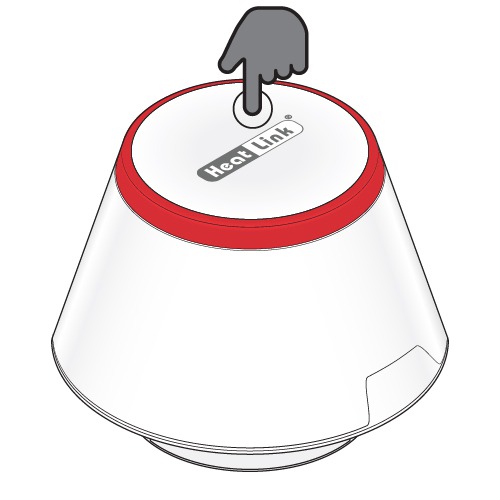
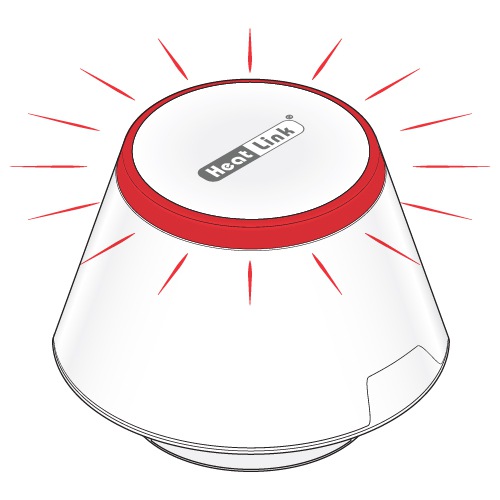
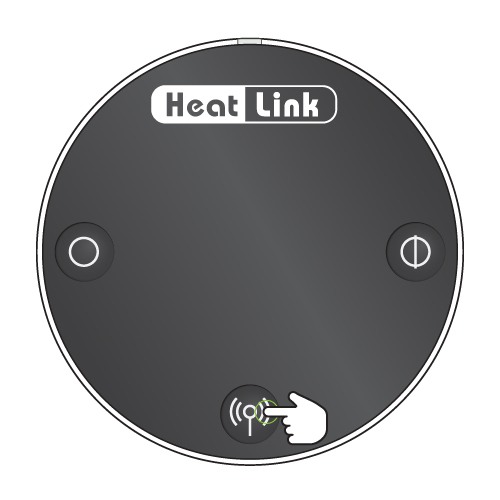
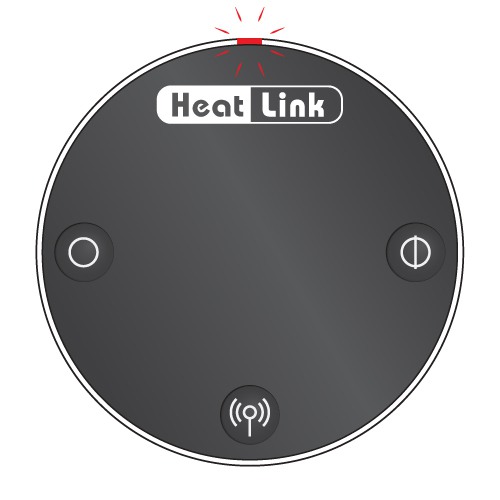
- Press the multi button on top of the gateway for ~5 seconds, or until the LED flashes red.
- Release the multi button.
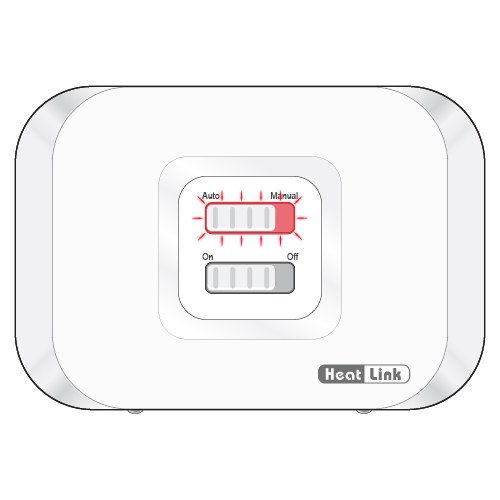
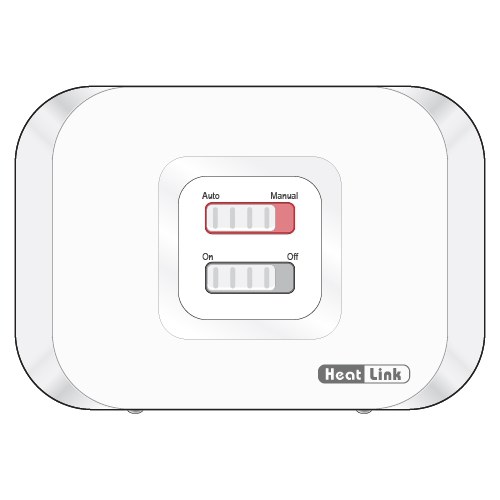
- Plug in the relay.
- The LED will flash red, indicating it is ready to be paired.
To configure for a radiator system:
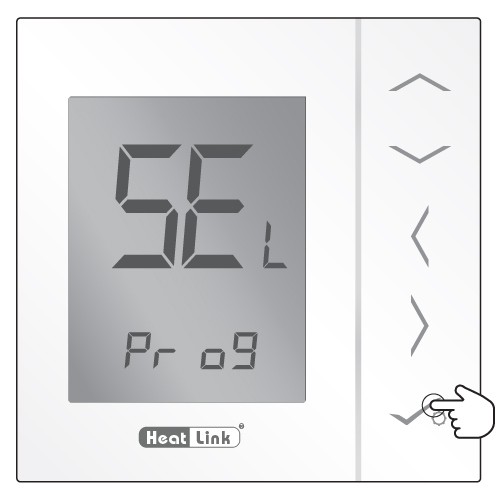
- Use the Left/Right arrow keys to navigate to the USE menu.
- Use the Up/Down arrow keys to navigate to rAd.
- Press [check] to accept.
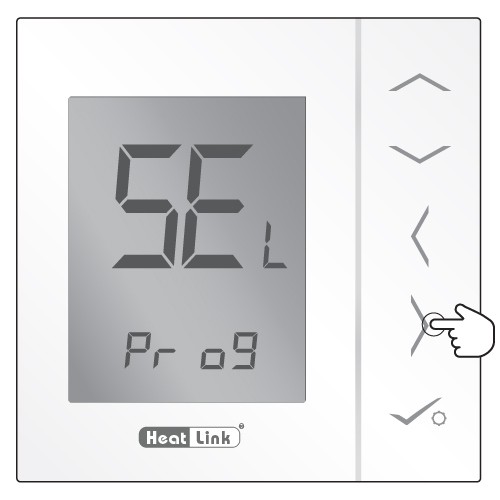
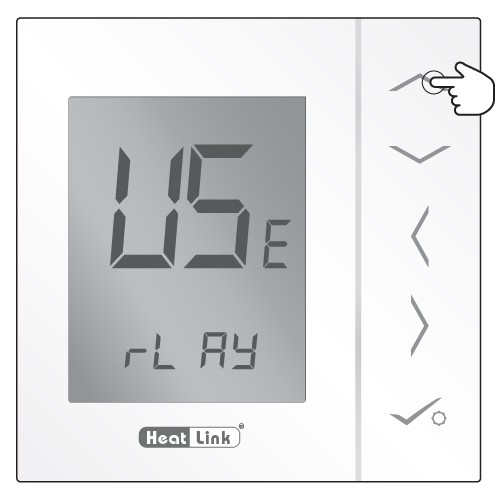
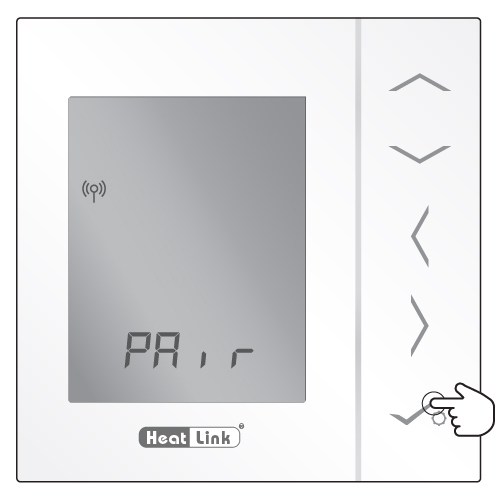
- Press the Pairing button for 10 seconds
- The LED will flash red
- The thermostat is recognized by the Zigbee network.
- Press to accept.
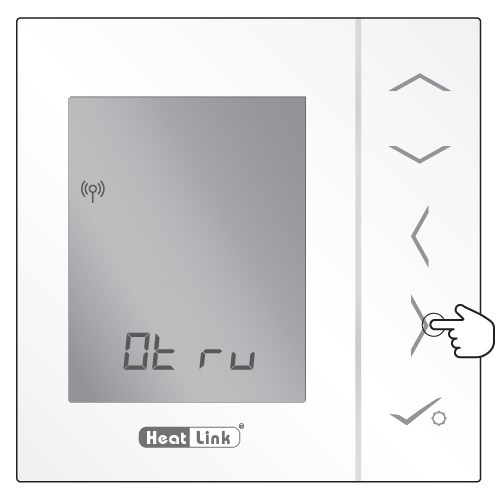
- Press the right arrow to search for the wireless valve actuator in pairing mode.
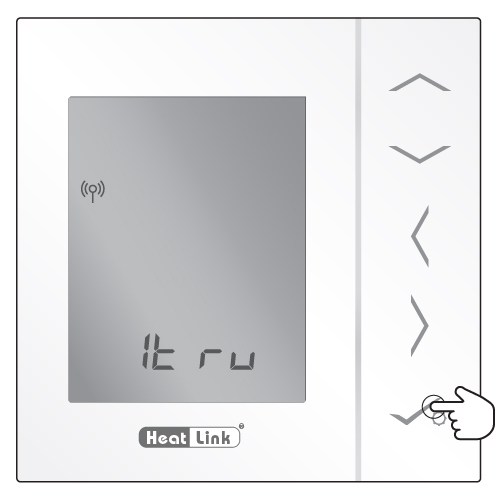
- The prefix will be automatically selected based on the number of WVAs paired.
- When finished pairing the actuators, press to accept to exit pairing mode.
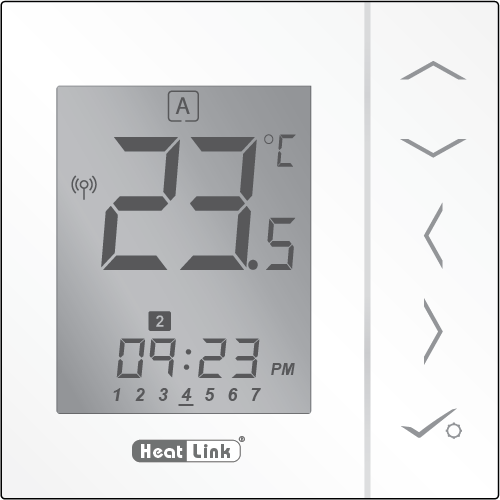
For instructions on setting up the thermostat programming click here.
Click here for Troubleshooting
Comments are closed, but trackbacks and pingbacks are open.